
The ADF Portal web app
One app, many uses
Add our portal to your home screen in 30 seconds. It works like an app, with no App Store download needed.
- Schedule real estate shoots
- Manage your listing media and monthly branding material
- Download your delivery files right away
App address: app.adfphotoandfilm.com
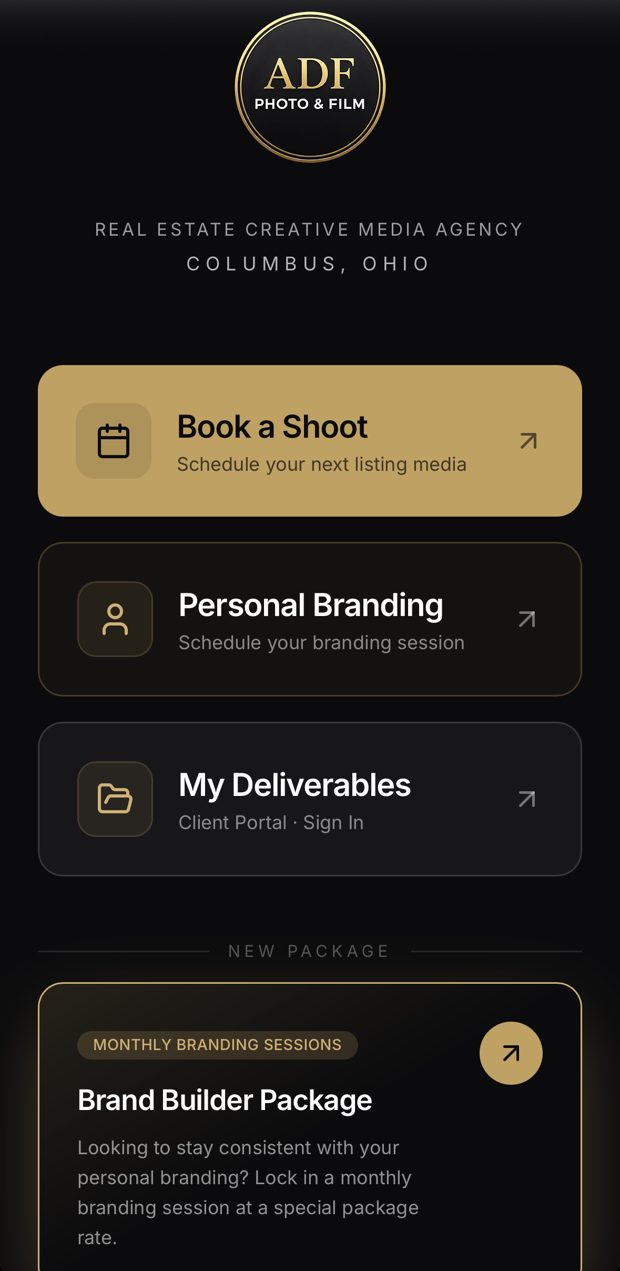
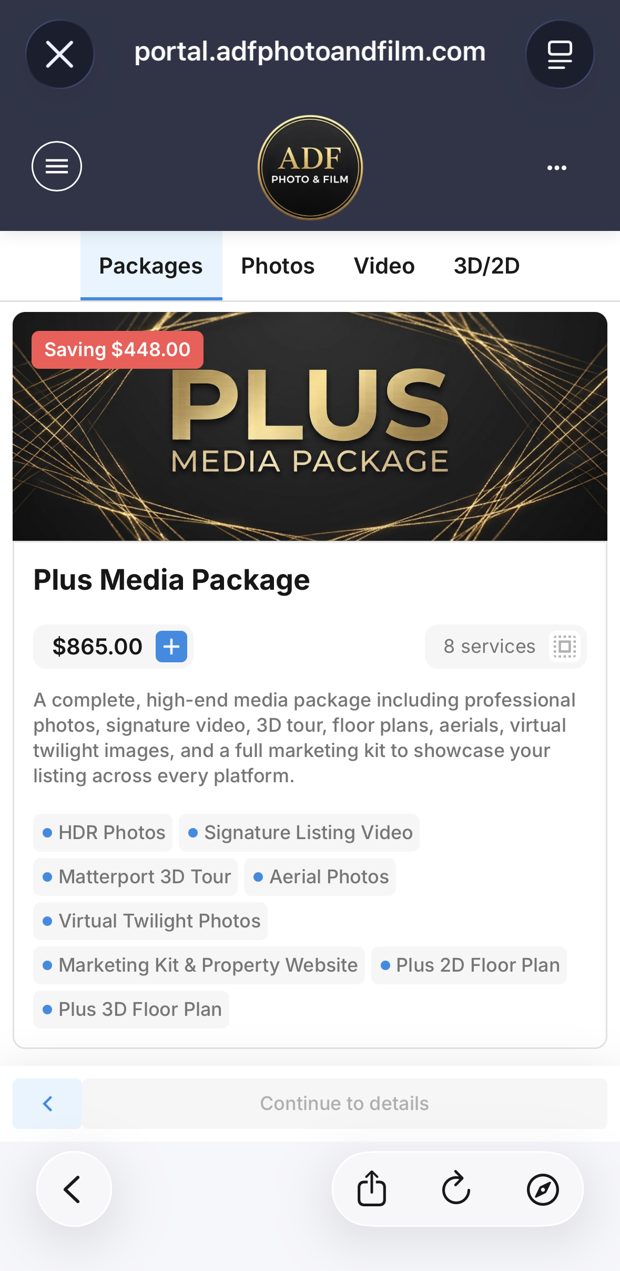
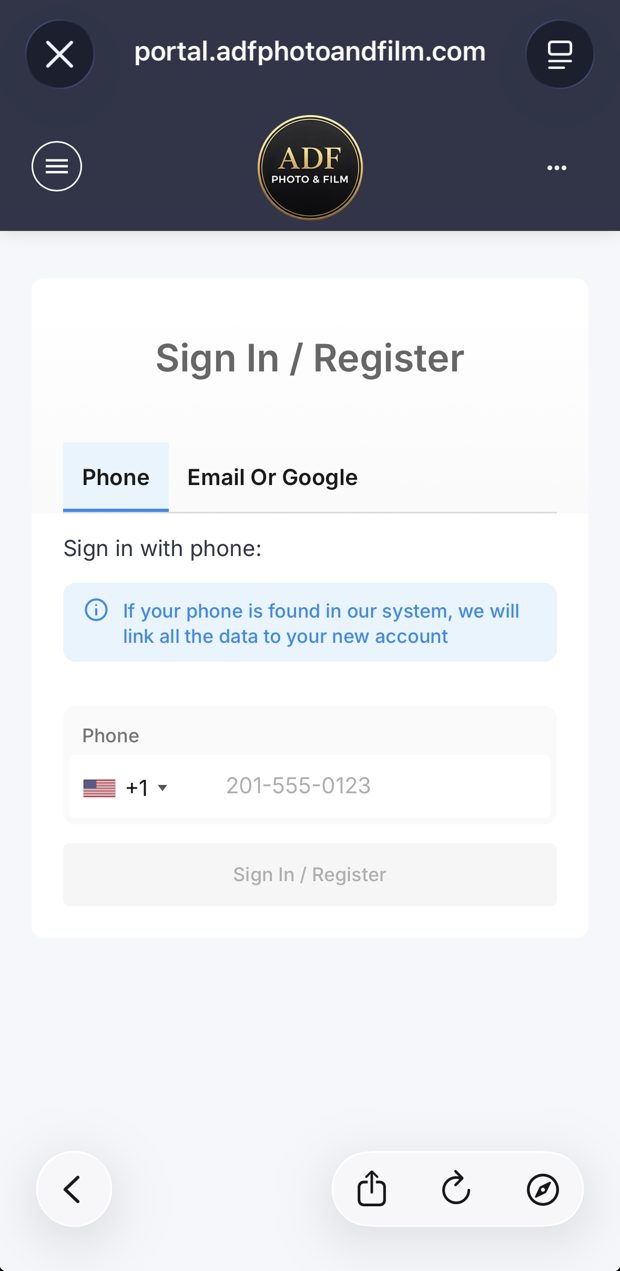
Home screenBook your shootPortal login
Everything in one place
Simple setup
Add it to your home screen in 30 seconds
Pick your device:
- Open app.adfphotoandfilm.com in Safari.
- Tap the Share button (the square with an arrow pointing up).
- Scroll down and tap Add to Home Screen.
- Tap Add in the top-right corner.
Tip: it has to be opened in Safari for the Add to Home Screen option to show up.
- Open app.adfphotoandfilm.com in Chrome (or your phone's browser).
- Tap the three-dot menu in the top-right corner.
- Tap Add to Home screen (or Install app).
- Tap Add to confirm.
- Open app.adfphotoandfilm.com in Safari.
- Click File in the menu bar, then select Add to Dock.
- Open app.adfphotoandfilm.com in Chrome or Edge.
- Click the Install icon on the right side of the address bar.
Need a hand getting set up? Call or text (614) 412-0545.
Open the app →